 Live Chat
 Connect to a Tech

A business that once operated with 15 employees might now have 50. What started as one office could expand into multiple locations, while everyday operations increasingly depend on cloud applications, connected devices, and shared technology.
Growth is a positive sign, but it can also expose weaknesses in an IT setup that worked perfectly well when the business was smaller.
For organizations throughout South Dakota, recognizing when technology support needs to evolve can help prevent unnecessary expenses, operational disruptions, and frustration as the business expands.
So, how can you tell whether your current IT support is still meeting your needs?
1. Adding New Employees Has Become More Complicated
When a company is small, setting up a new employee might involve preparing a computer, creating an email account, and providing access to a few applications.
As the organization grows, onboarding often becomes more complex.
Employees may need access to Microsoft 365, shared files, industry-specific software, communication platforms, and security tools. Different roles may also require different permissions.
If every new hire involves last-minute troubleshooting or inconsistent setup, your IT processes may not be keeping pace.
What to consider: Does your business have a documented onboarding process? Can new employees access the technology they need on their first day? Is access removed promptly when someone leaves?
Consistent onboarding and account management become increasingly important as teams expand.

2. Supporting Multiple Locations Is Getting More Difficult
Expanding into another office, facility, or jobsite introduces new technology requirements.
Employees may need secure access to shared applications, reliable internet connectivity, consistent security settings, and support for equipment at different locations.
For South Dakota businesses operating between Sioux Falls, Rapid City, Aberdeen, and smaller communities, distance can make technology coordination more complicated.
Different locations shouldn’t have to develop completely separate approaches to managing everyday IT.
What to consider: Are systems managed consistently across locations? Can employees access the resources they need regardless of where they work? Is onsite support available when equipment requires hands-on attention?
A coordinated approach to business IT services across South Dakota can help growing organizations maintain consistency as their operations expand.
3. Nobody Has a Complete Picture of Your Technology
Growing businesses often add technology gradually.
One department introduces a new software platform. Another purchases equipment. A third signs up for a subscription to solve an immediate problem.
Eventually, the organization may have numerous applications, devices, vendors, and service agreements without a complete understanding of how everything fits together.
This can lead to duplicate expenses, inconsistent security practices, and confusion when something stops working.
What to consider: Does your business maintain an accurate inventory of devices, software, licenses, and vendors? Is someone responsible for reviewing these resources?
Understanding what you already have is an important first step toward managing technology more effectively.
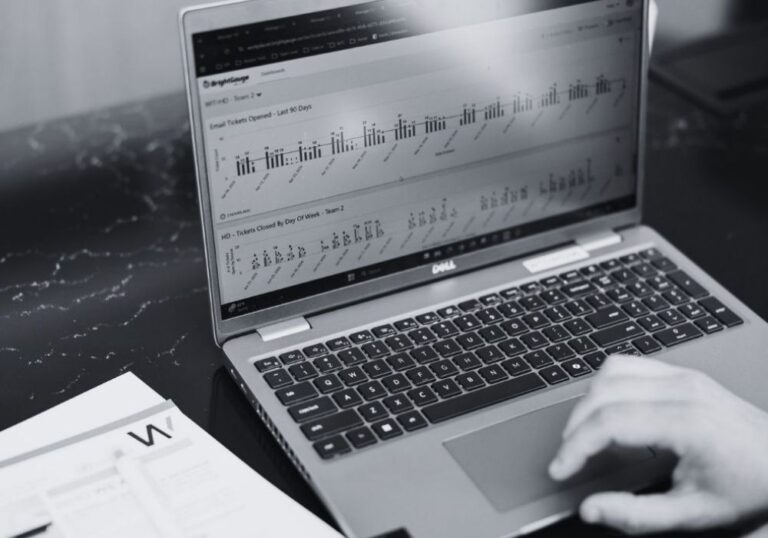
4. Technology Decisions Are Becoming Reactive
When technology needs are relatively simple, replacing equipment only when necessary might seem manageable.
That becomes more difficult as the business grows.
An aging server, outdated network equipment, or an approaching software renewal can create unexpected expenses when multiple issues require attention at once.
Without ongoing planning, technology investments may be driven by immediate problems rather than business priorities.
What to consider: Do you have a replacement schedule for important equipment? Are technology expenses included in annual planning? Does someone regularly review how upcoming business changes could affect your systems?
A practical technology plan helps organizations prioritize improvements and make more informed financial decisions.
5. Your Current Support Model No Longer Fits Your Operations
Not every business needs the same level of IT support.
Some organizations manage technology internally. Others rely on an external provider, while some use a combination of both.
The right approach depends on the complexity of your environment, your internal resources, and how much responsibility your team can realistically manage.
As your business expands, the support arrangement that worked previously may need to change.
What to consider: Who is responsible for maintaining systems, coordinating vendors, managing employee access, and planning technology improvements? Are those responsibilities clearly assigned?
When responsibilities become unclear, important tasks can be overlooked even when individual technology problems are being resolved.

How to Tell Whether Your IT Support Needs to Change
Before making changes, take a closer look at your current environment.
Ask yourself:
Can we onboard employees and equip new locations without unnecessary complications?
Do we have a clear understanding of our software, devices, vendors, and technology expenses?
Are our systems and security practices managed consistently across the organization?
Do we have a documented plan for equipment replacements and upcoming technology investments?
Does our current support arrangement provide the resources needed to manage these responsibilities?
If several answers are uncertain, it may be time to review how your IT support is structured.
That doesn’t automatically mean replacing your current provider or hiring additional staff.
Do You Need Different IT Support or Just a Better Approach?
Sometimes the best solution is improving existing processes, documenting responsibilities, or addressing specific technology gaps.
Other businesses may benefit from additional resources.
Organizations with internal technical staff might consider co-managed IT services to supplement their team while retaining internal control.
Businesses without dedicated IT resources may find that managed IT services provide a more practical approach to ongoing support, maintenance, and technology management.
The goal should be to choose a support structure that fits your organization today while allowing room for future growth.
IT Support That Grows With Your South Dakota Business
Business growth shouldn’t make technology increasingly difficult to manage.
Whether you’re adding employees, expanding locations, or introducing new systems, the right IT support helps keep your operations organized, secure, and reliable.
Workplace by Direct supports businesses throughout South Dakota with managed IT services, cybersecurity, technical support, and technology planning. With offices in Sioux Falls, Rapid City, and Aberdeen, our team helps organizations manage technology as their needs evolve.